Apple's Free Backup Tool Helps Mac Users Recover Deleted Files
Time Machine preserves hourly and weekly versions of user data on external drives without a subscription, reducing the risk of permanent data loss.
By Julian Schulz ·
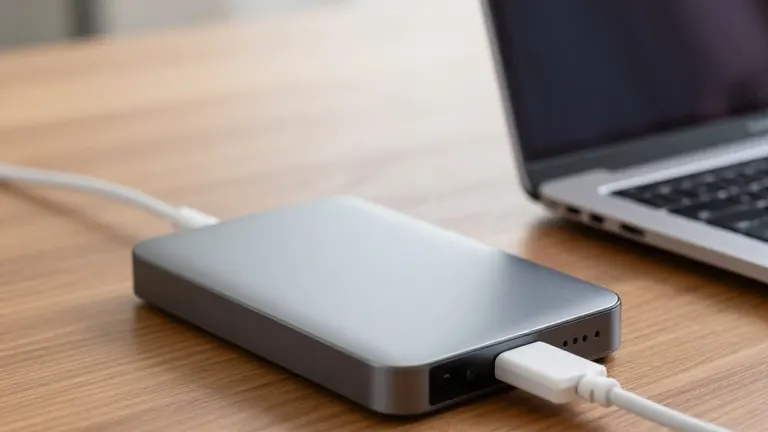
For Mac owners, a single hardware failure or accidental deletion can make years of work inaccessible. Apple’s built-in Time Machine utility offers a free solution by automatically saving copies of documents, photos, and applications to an external drive. The software requires no paid subscription and operates in the background while users continue working.
The system uses an incremental approach to manage storage. The first backup copies a large amount of data, but subsequent runs only save files added or changed since the last successful operation. According to Apple’s documentation, the default schedule retains hourly recovery points for the past 24 hours, daily points for the previous month, and weekly points for older history. Older backups are automatically removed when the destination drive becomes full.
Setting up the tool requires compatible storage and a reliable connection. Apple recommends choosing a backup disk with at least twice the capacity of the Mac’s internal storage to preserve more historical versions. Users should check their computer’s connector, as modern models often use USB-C or Thunderbolt, while older units may require adapters. Apple identifies APFS and APFS Encrypted as the preferred formats for new Time Machine disks. Enabling encrypted backup adds password-protected storage for sensitive data.
Restoring a specific file is a straightforward process. Users connect the backup disk, open Finder, and navigate to the folder where the file was stored. By opening Time Machine through Spotlight, they can browse earlier dates using a timeline and select the version they need to restore. The recovered item returns to its original location. For documents that were overwritten rather than deleted, users can also use the Revert To option within compatible applications to access earlier versions without rebuilding the entire project.
While Time Machine protects local files, it does not replace cloud synchronization. iCloud syncs selected content across devices, which means a deletion in one place can propagate to others. Time Machine preserves separate local copies that may remain even if a file is removed from a synced folder. For valuable projects, experts suggest using a local backup alongside an off-site strategy. Users should also test a small file restoration regularly to ensure the recovery process works before an emergency occurs.